
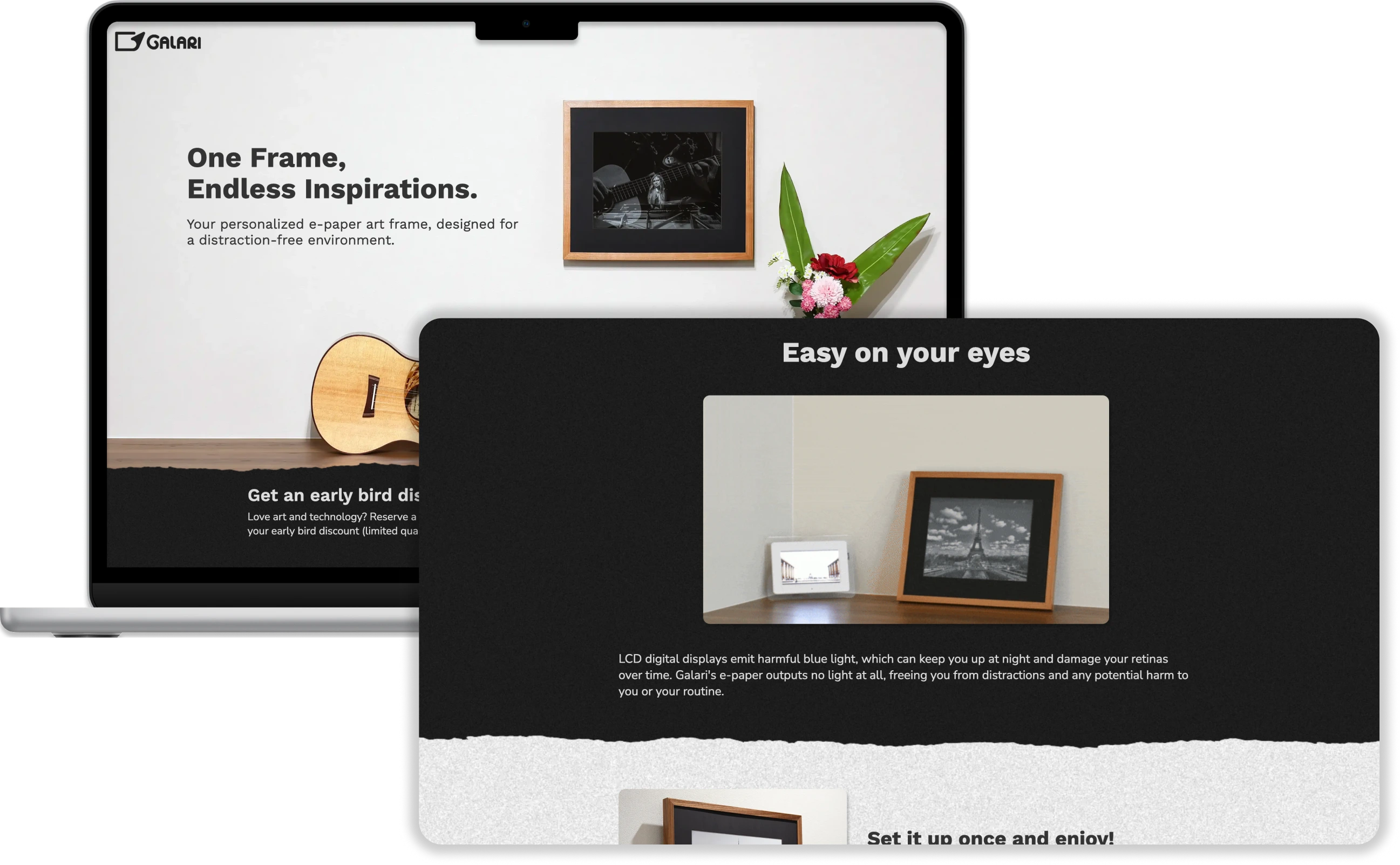
Website Refresh
I brushed up Galari's website, with the intent of concentrating email list sign-ups in preparation for a Kickstarter launch.
Content Creation
I conceptualized and collaborated with the founder and Reporting intern to shoot brand-new content that fit refreshed sections of the site.
Ad Creation
At the end of the internship term, I conceptualized and created a series of advertisements (which comprised a final "Kitchen Sink" ad) in Premiere Pro. These ads served as Galari's first Meta advertising campaign.
Impact
The combined efforts of my work at Galari- the website refresh, content creation, and ad creation- culminated in a 10-15x increase in mailing list sign-ups, and a successful Kickstarter launch of over $300,000 funded.
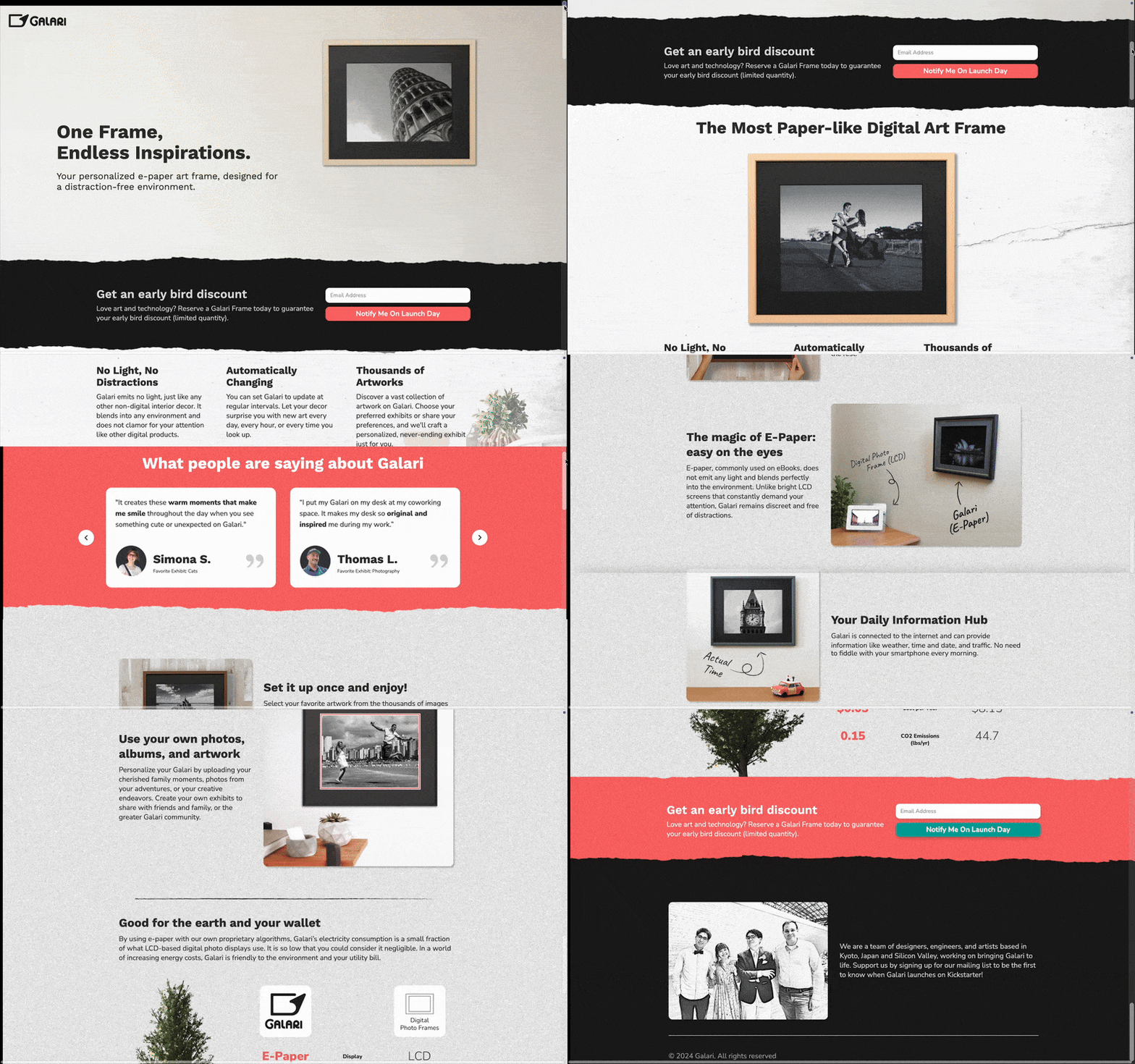
Why the website refresh?
Pre-crowdfunding, the funnel- a single page site that "funnels" interested emails into a mailing list- is critical
Upon launch, this mailing list boosts attention toward the campaign. Interested parties may also opt to join a “VIP” status, wherein they pay a 5$ fee for a discount upon the product’s launch.
However, in recent months, mailing list and VIP sign-ups were down. The goal was to:
Deciding on Site Changes
We knew that we wanted to optimize the crowdfunding funnel: but how would the site change? We conducted a series of site walkthroughs to get an outside perspective.
![Galari screen with accompanying commentary "On highlighted Galari features: 'I'm interested in the functionality! Could I have [Galari] tell me the time every hour? Does it show the weather every morning at a certain time?'"](https://cdn.prod.website-files.com/650a4237da194d2cb829fab8/672403692c81f2456aaf82d6_GalariWalkthroughFeedback1.webp)
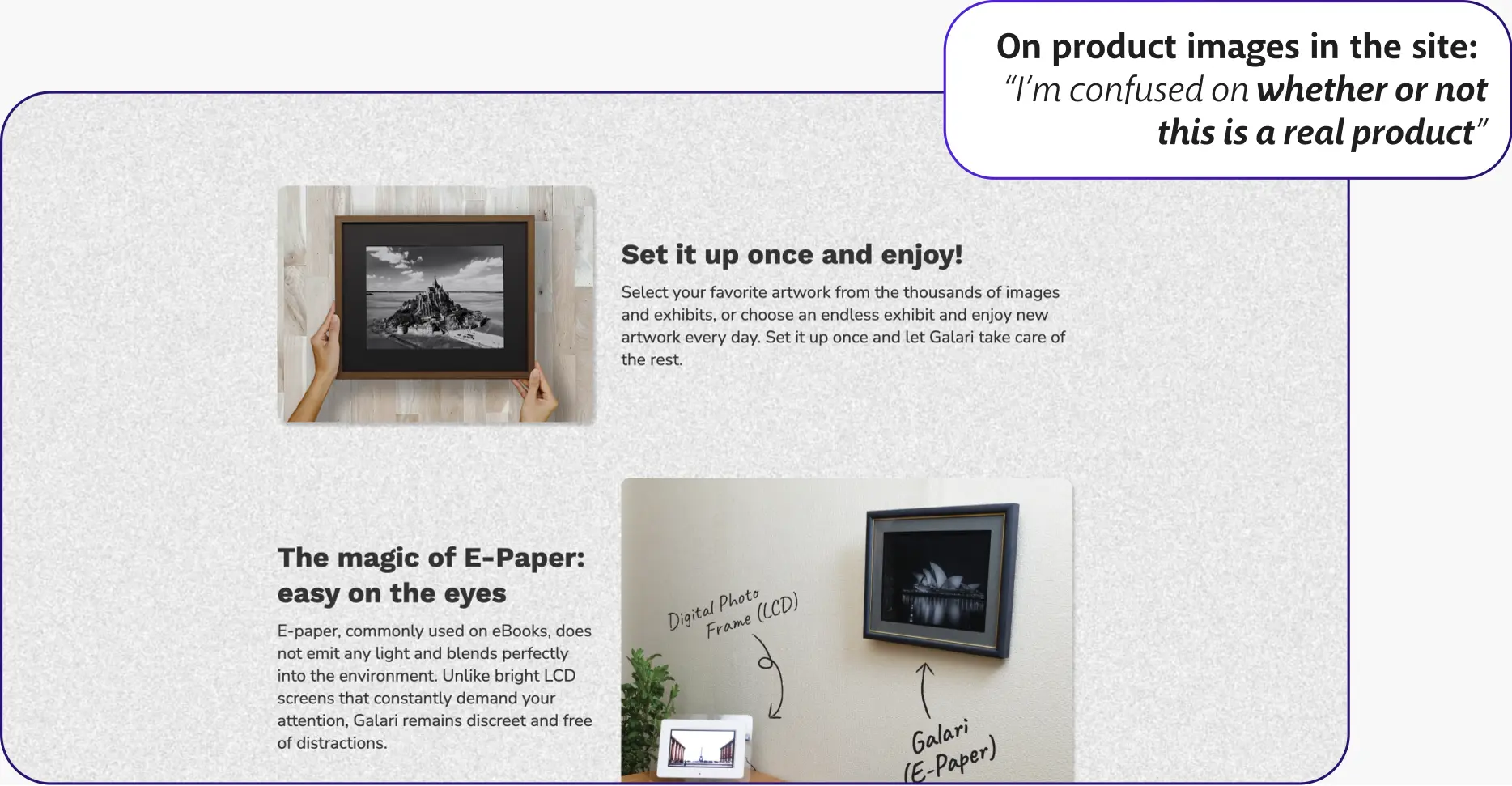
Taking a look at feedback, we decided to hone in on two aspects of the site that may be hindering site interaction and product interest; these two were realism and functionality.
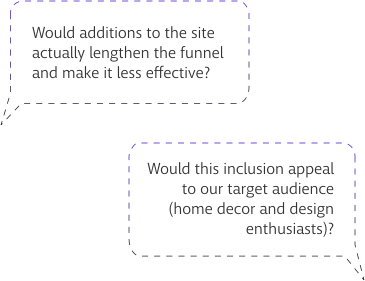
We came up with some potential site additions that lent to these points, some of which were agreed upon, some of which were scrapped.
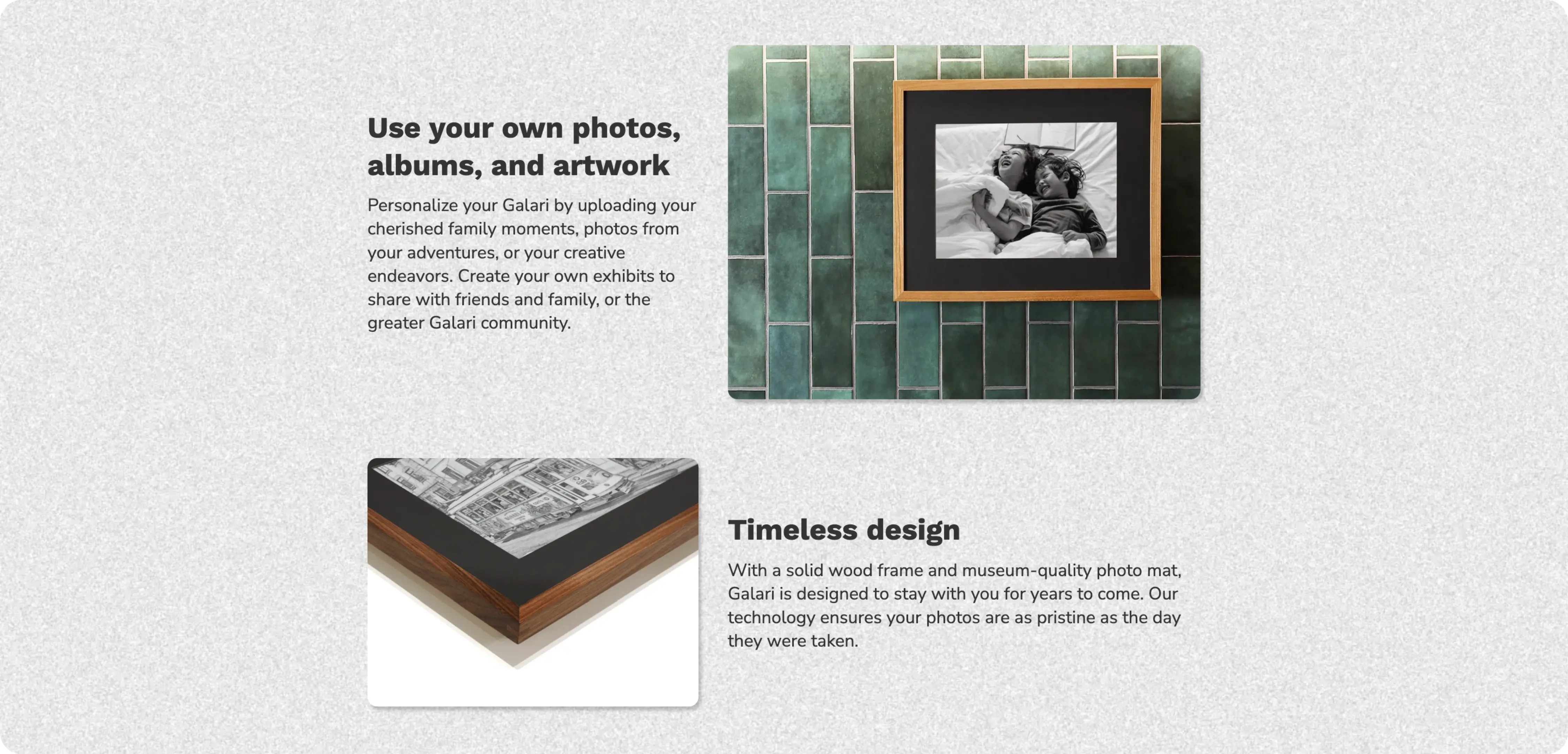
Accepted: Content refresh with real-life images
Would reduce the amount of "fake-looking" AI-generated content, giving greater credibility to the product
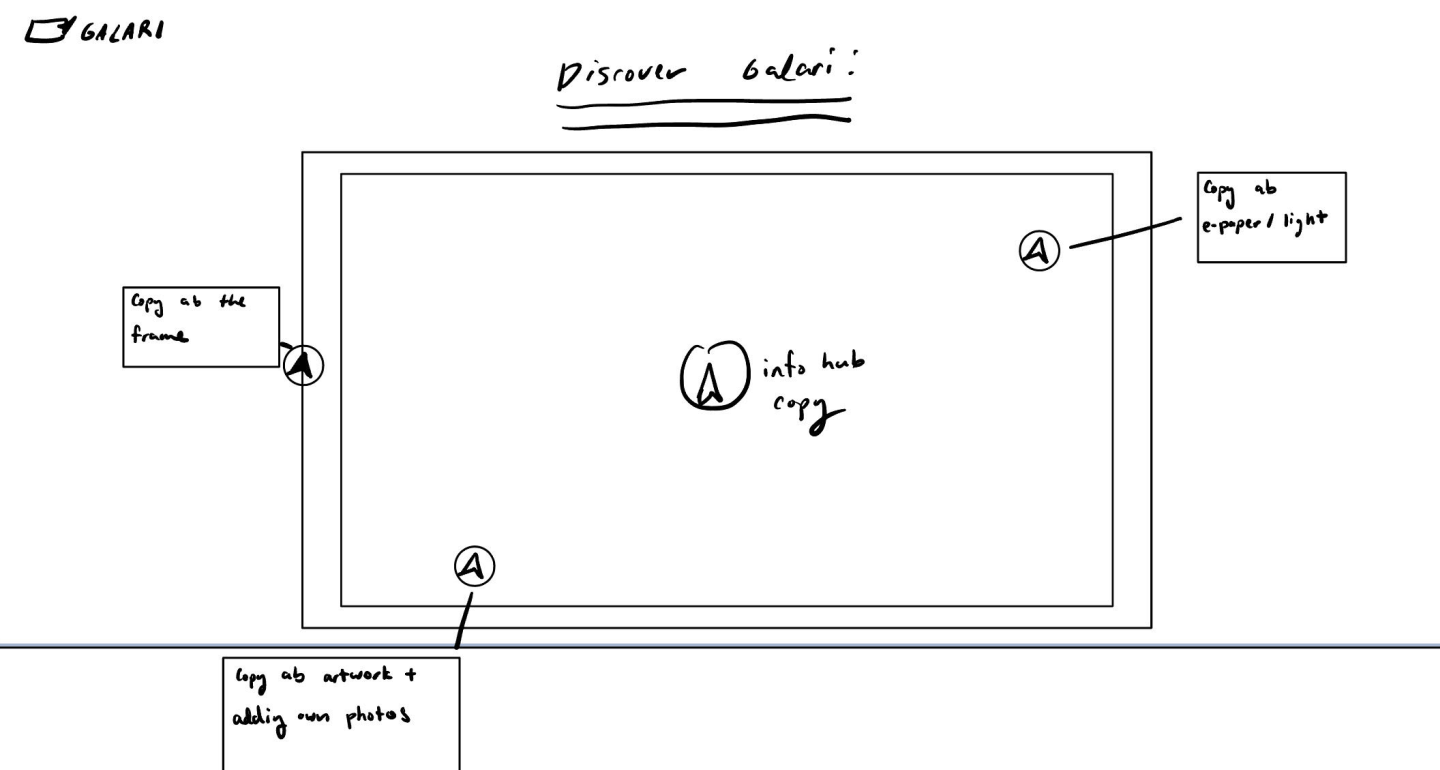
Scrapped: Galari interactive interface
Would take too much time to implement; too complex of an interaction, unnecessarily lengthening the funnel
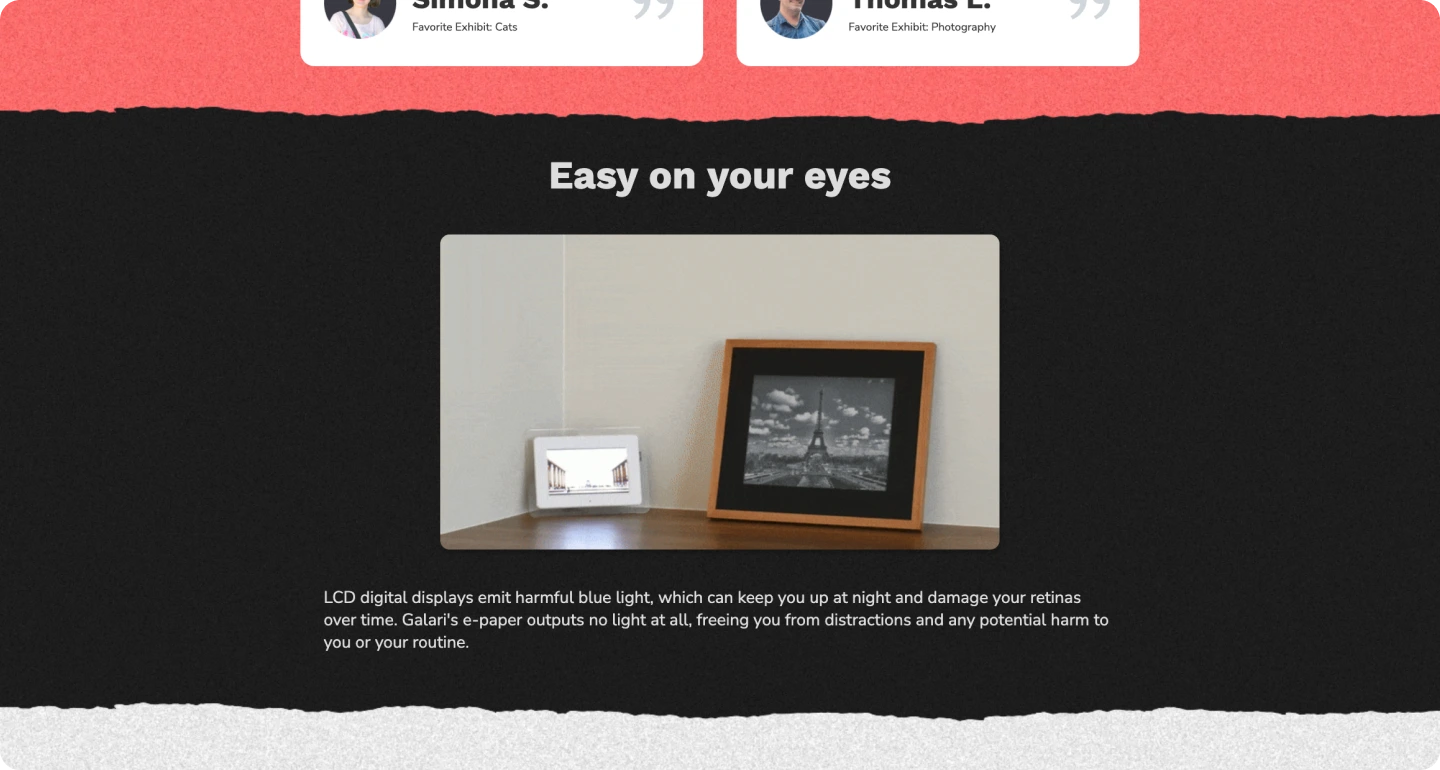
Accepted: Easy on Your Eyes section
Emphasizes blue light benefits of Galari, emphasizing functionality and pairing well with "environmentally friendly" section
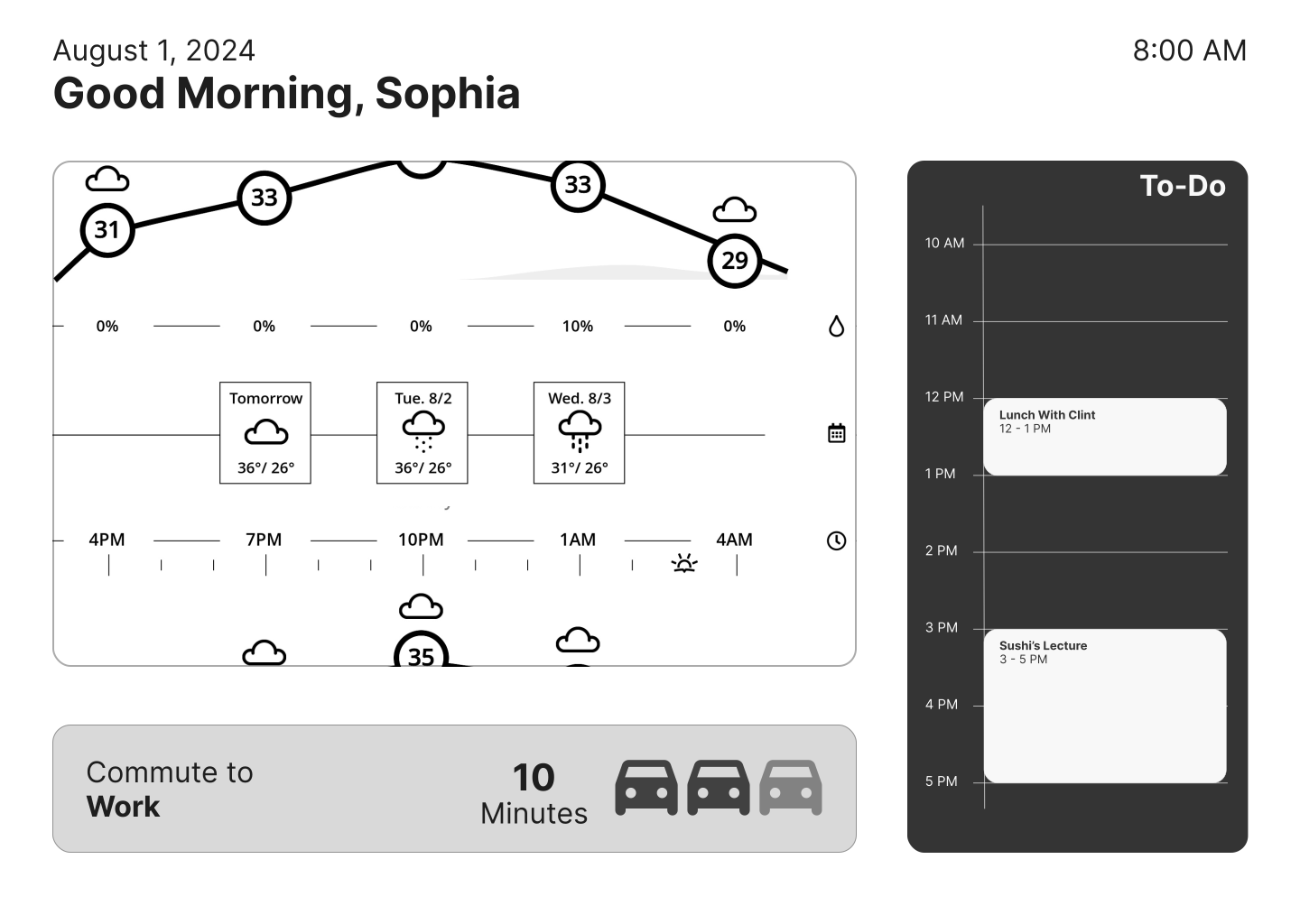
Scrapped: Sample functionality hub interface
Distracts from core messaging and unnecessarily lengthens the funnel
What content needed to be "refreshed"?
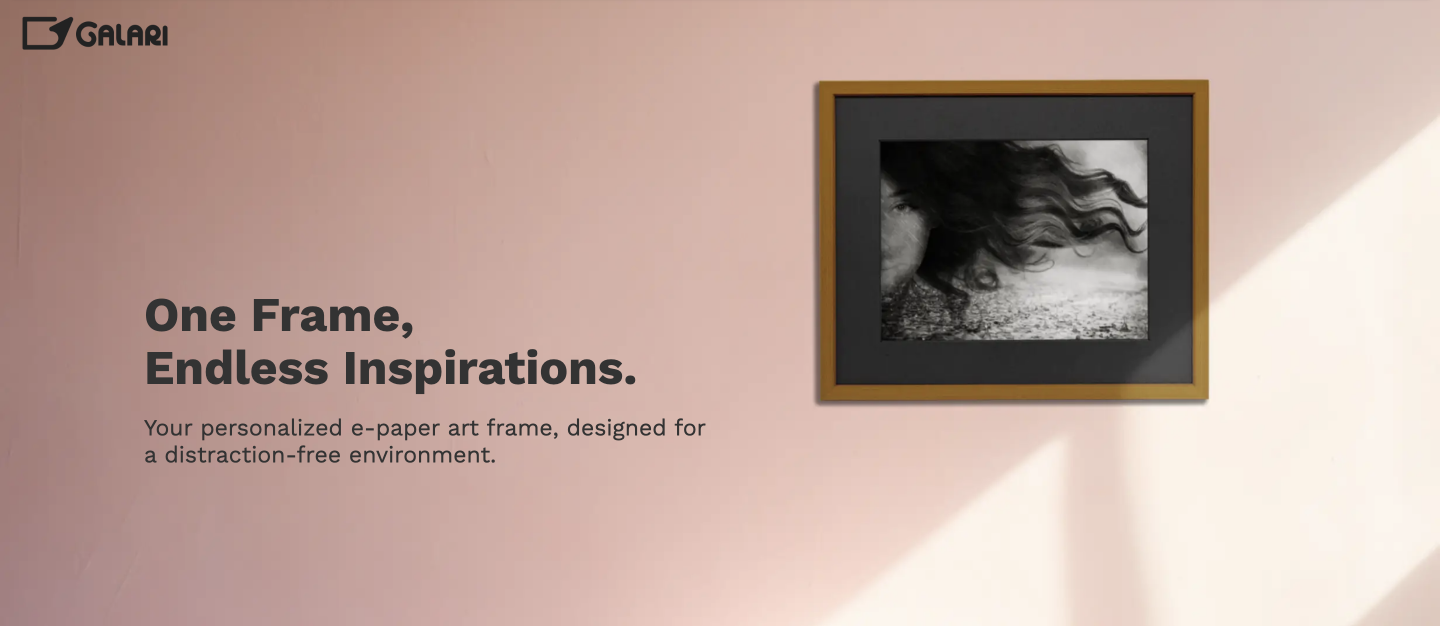
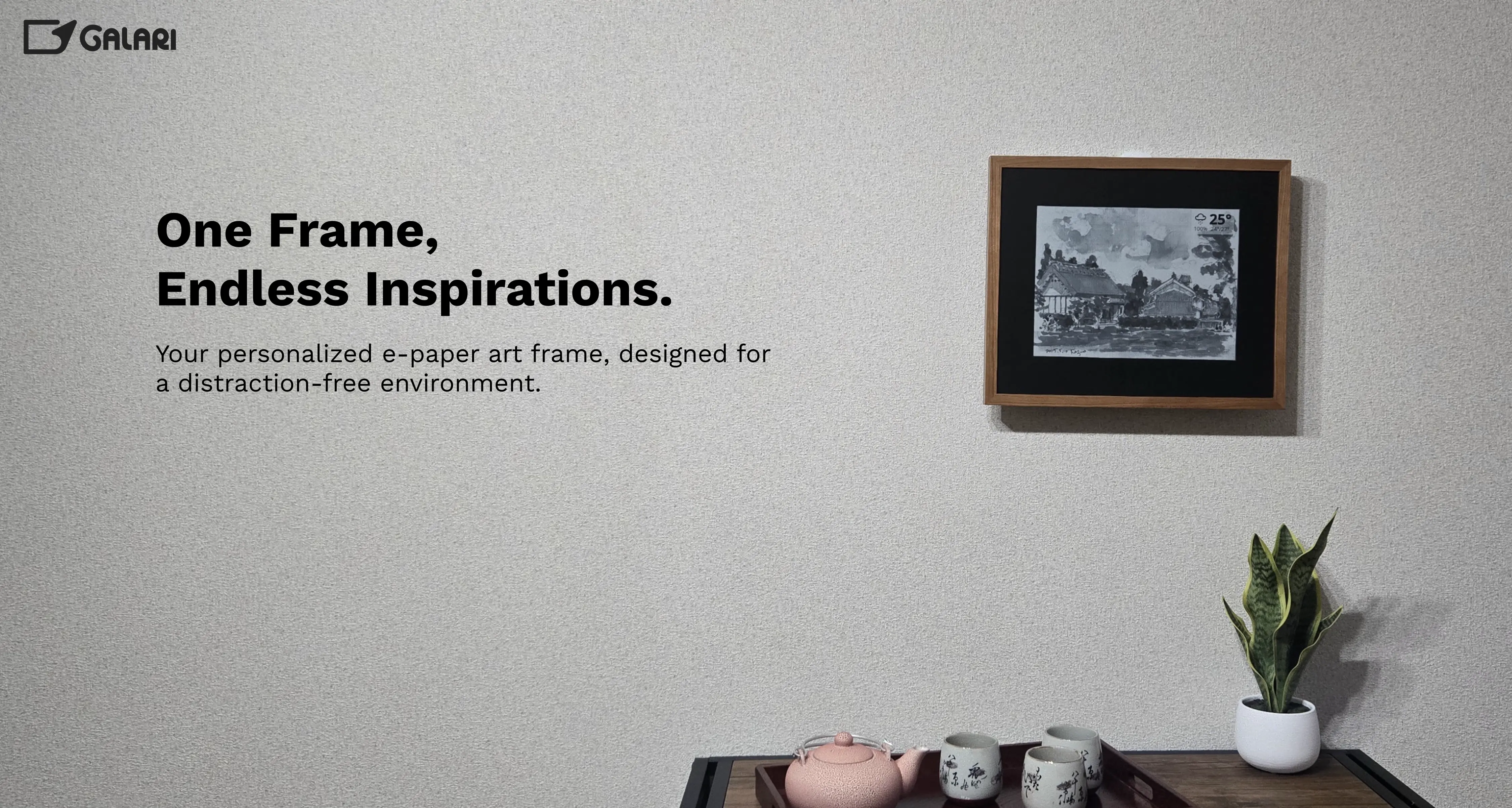
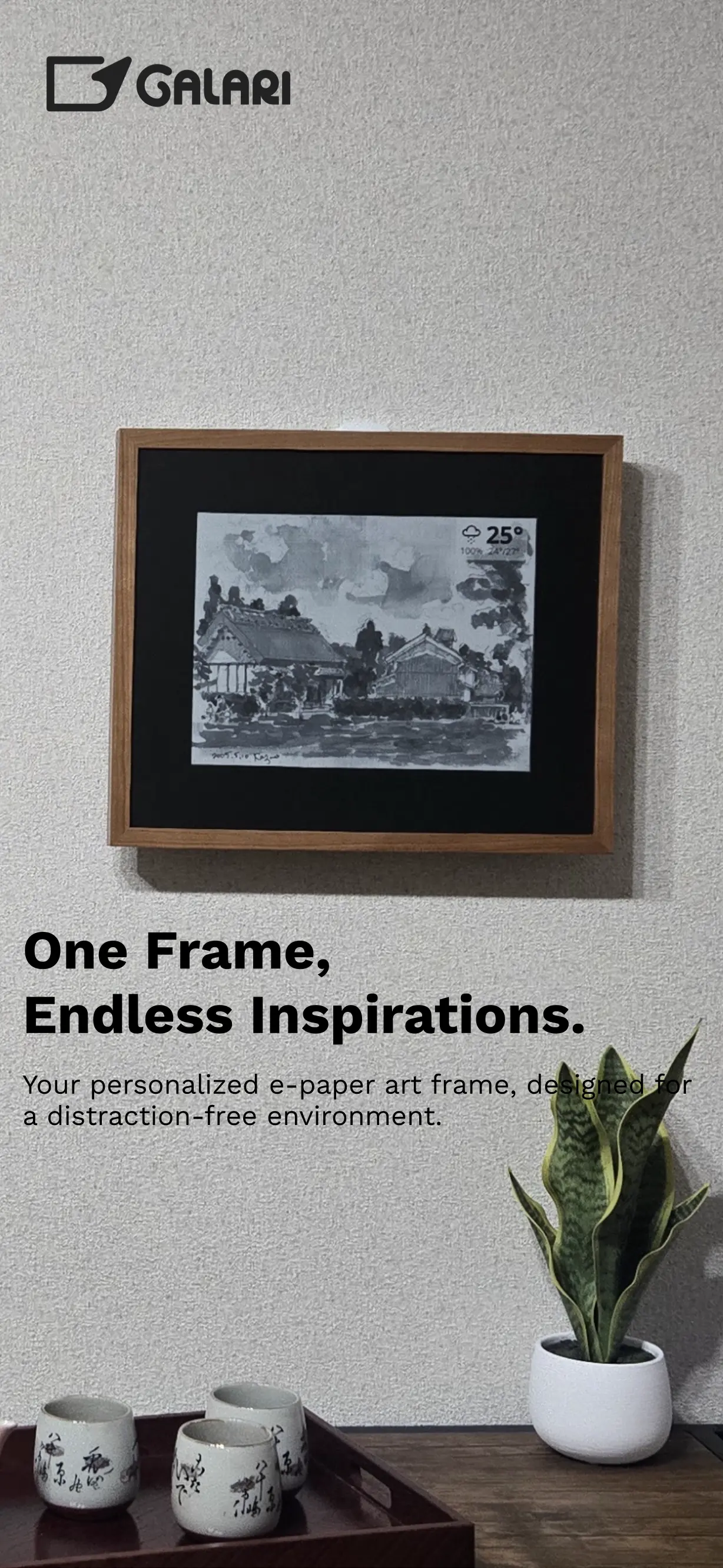
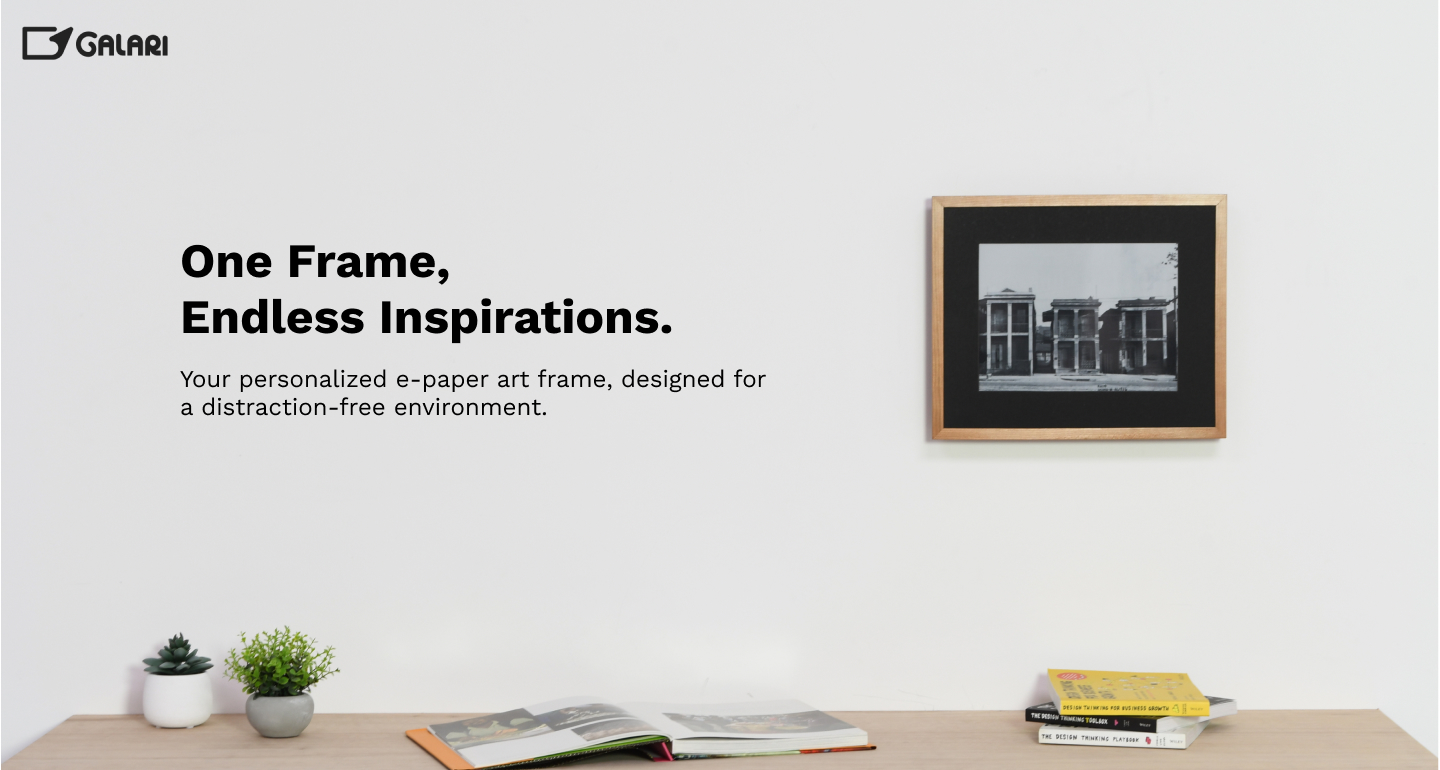
A large portion of images in the Galari hero banner and "building blocks" section of the site were AI-generated. By using real product photos and setups, we hoped to set a good “first impression” of Galari that would make the product look and feel tangible.

VERSION ONE: THE OG HERO BANNER
VERSION TWO: THE APARTMENT PHOTOS
VERSION THREE: KIT STUDIO PHOTOS
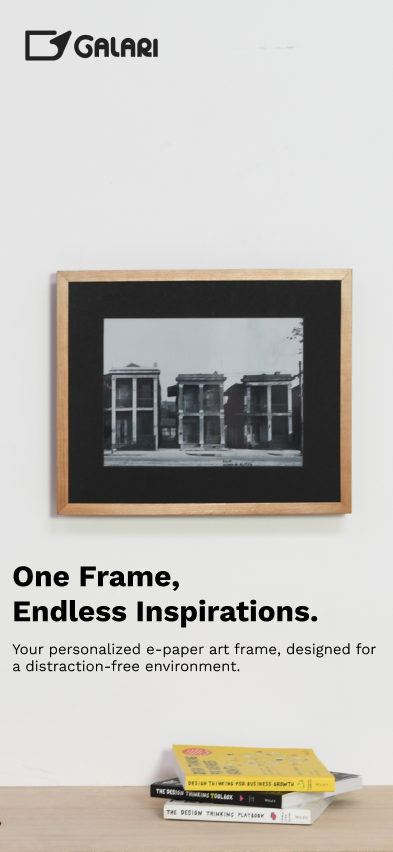
VERSION FOUR: SUSHI'S HOUSE
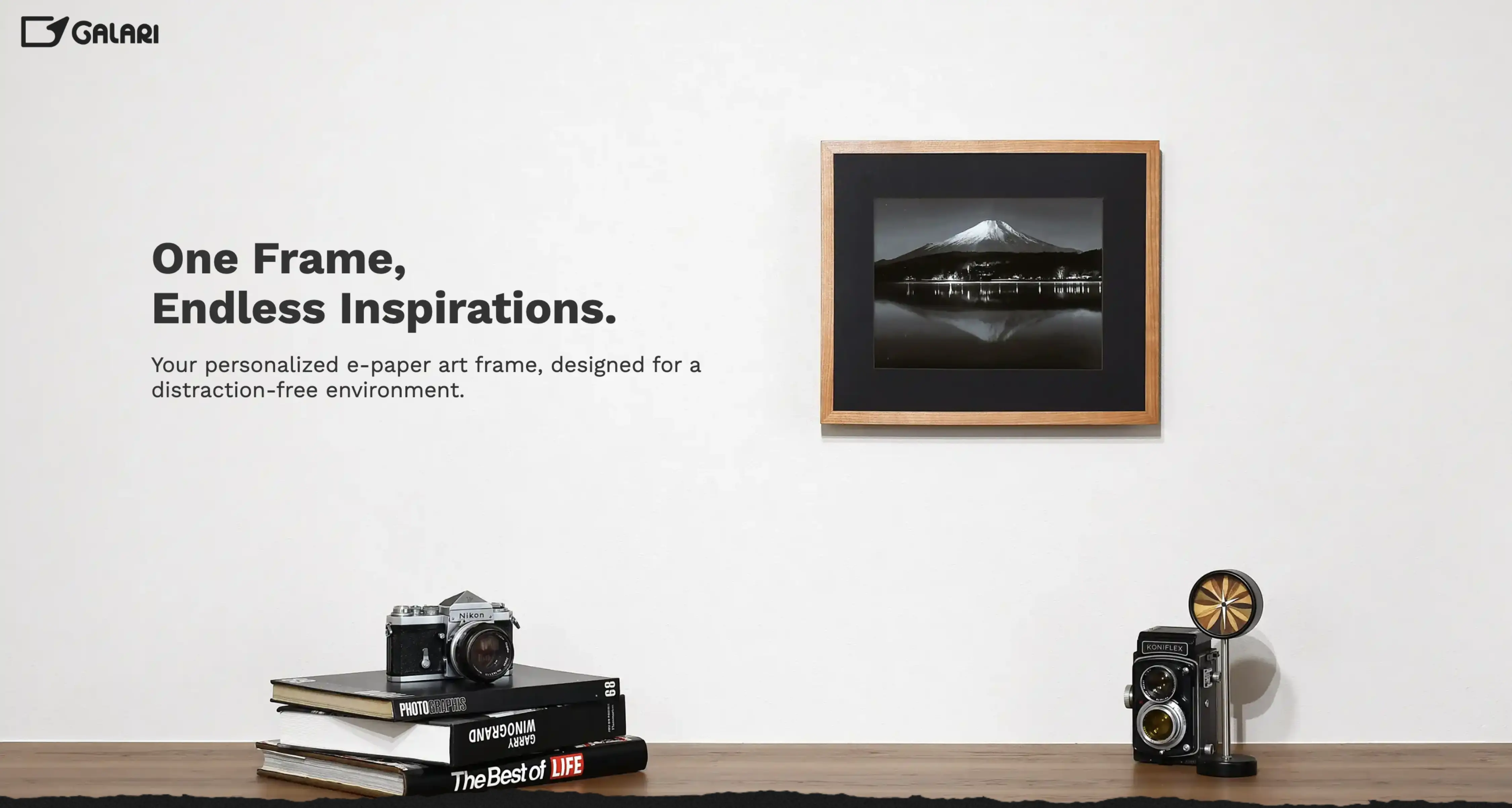
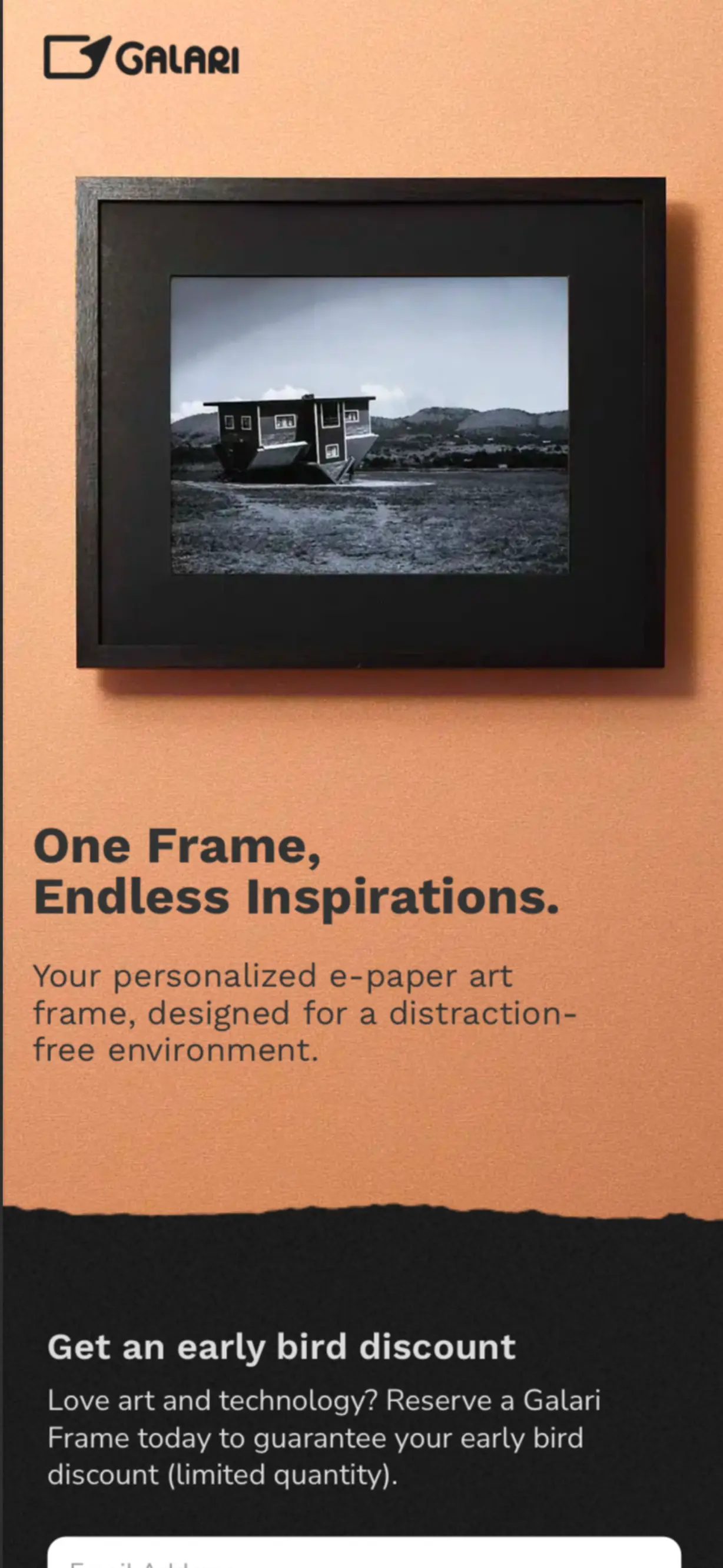
We hit the jackpot here! With help from Galari co-founder Sushi (who, on top of running the start-up and teaching at KIT, was a skilled photographer), we were able to produce two sets of images: one for desktop and tablet breakpoints, and the other for mobile breakpoints.
What are the Building Blocks?
The “building blocks” on Galari’s site expanded on key selling points. These included ease of setup, information functionalities, and customization.
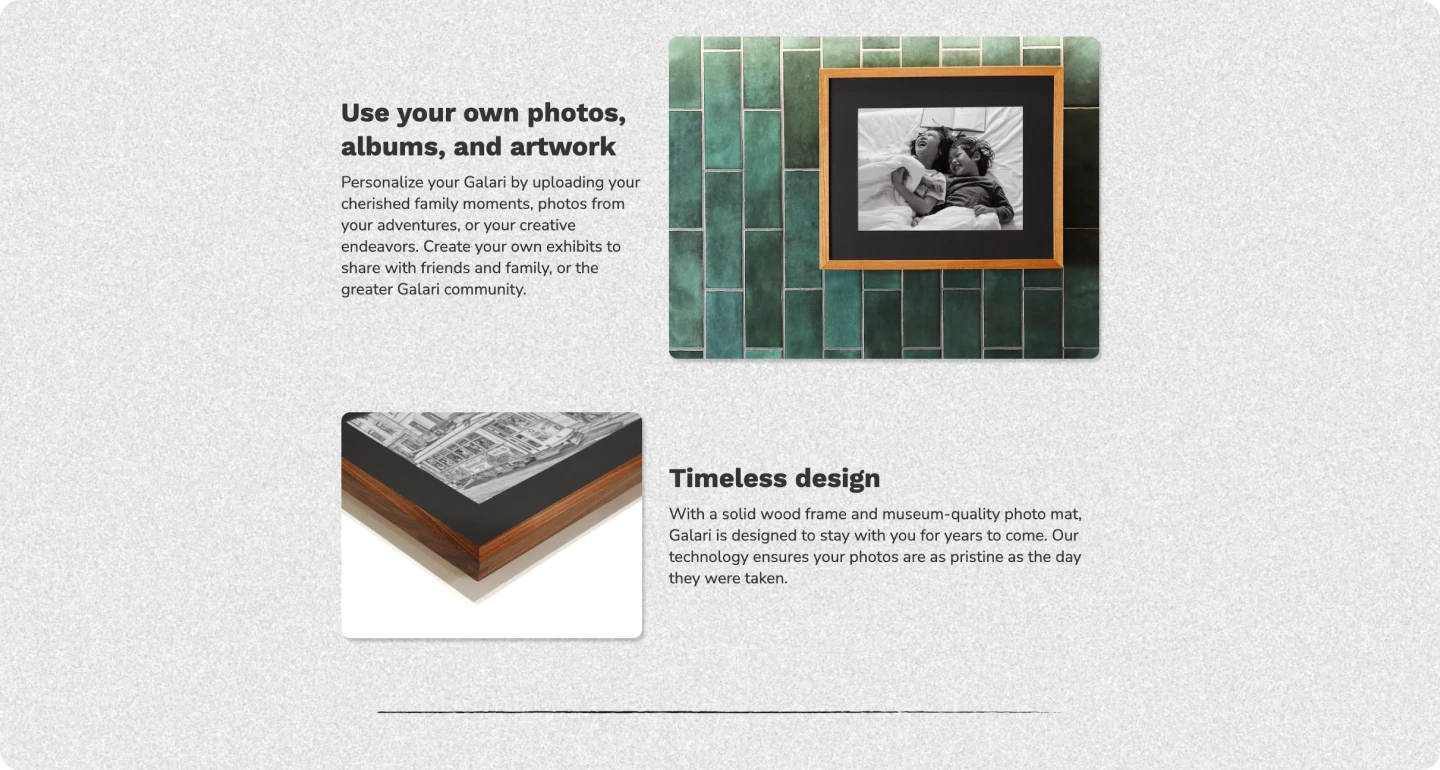
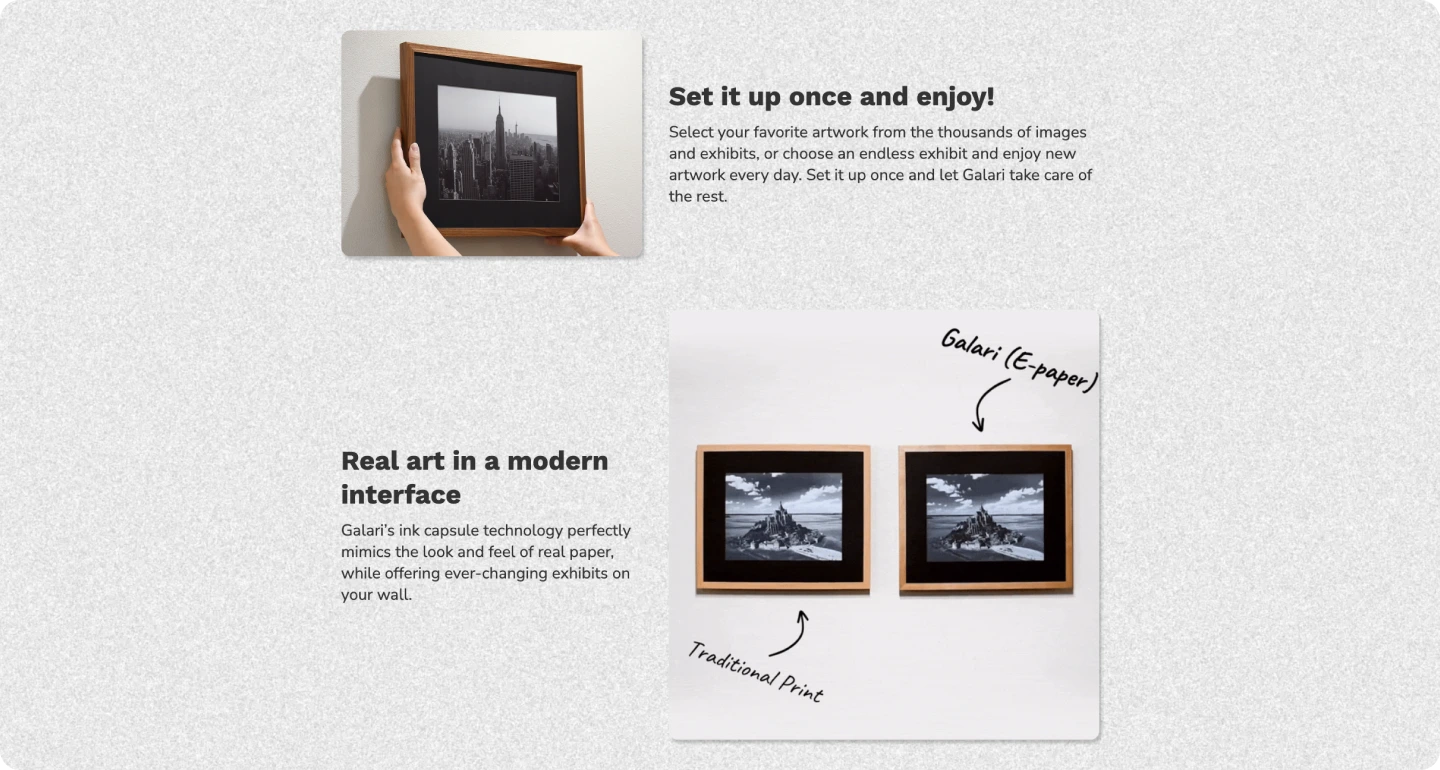
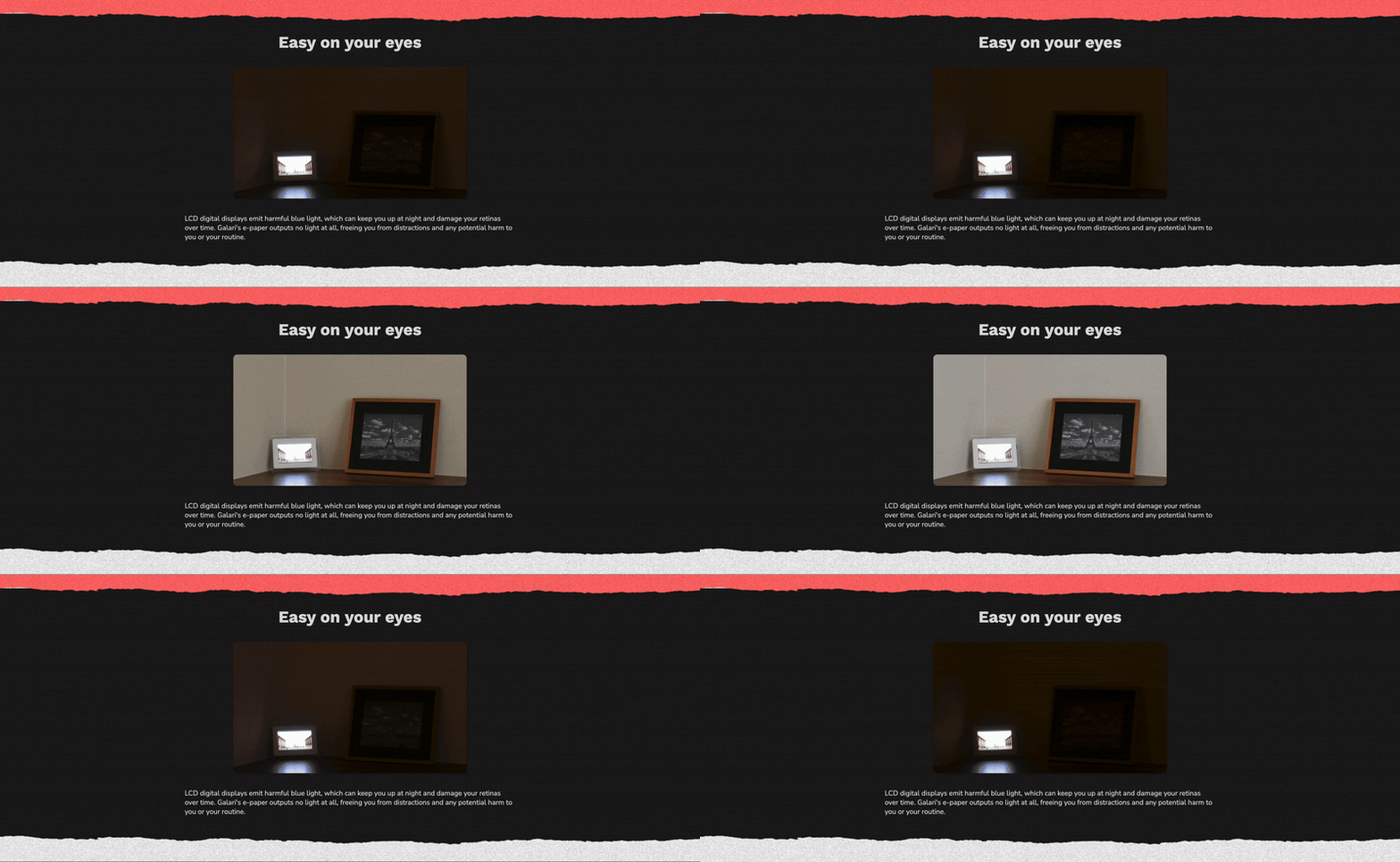
Next up was a new section to be added to the site, "Easy on Your Eyes". It was our way of boosting emphasis on Galari’s functionality and usefulness outside of its traditional “art gallery” function without overwhelming the site funnel.
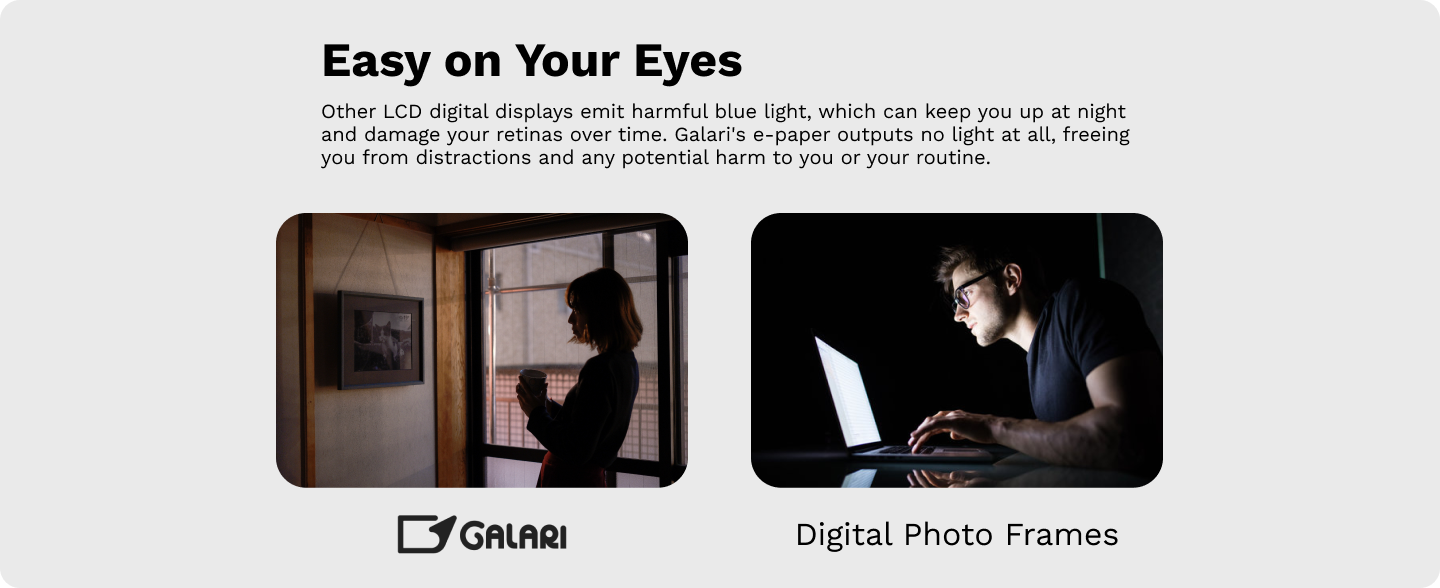
How could a contrast be made?
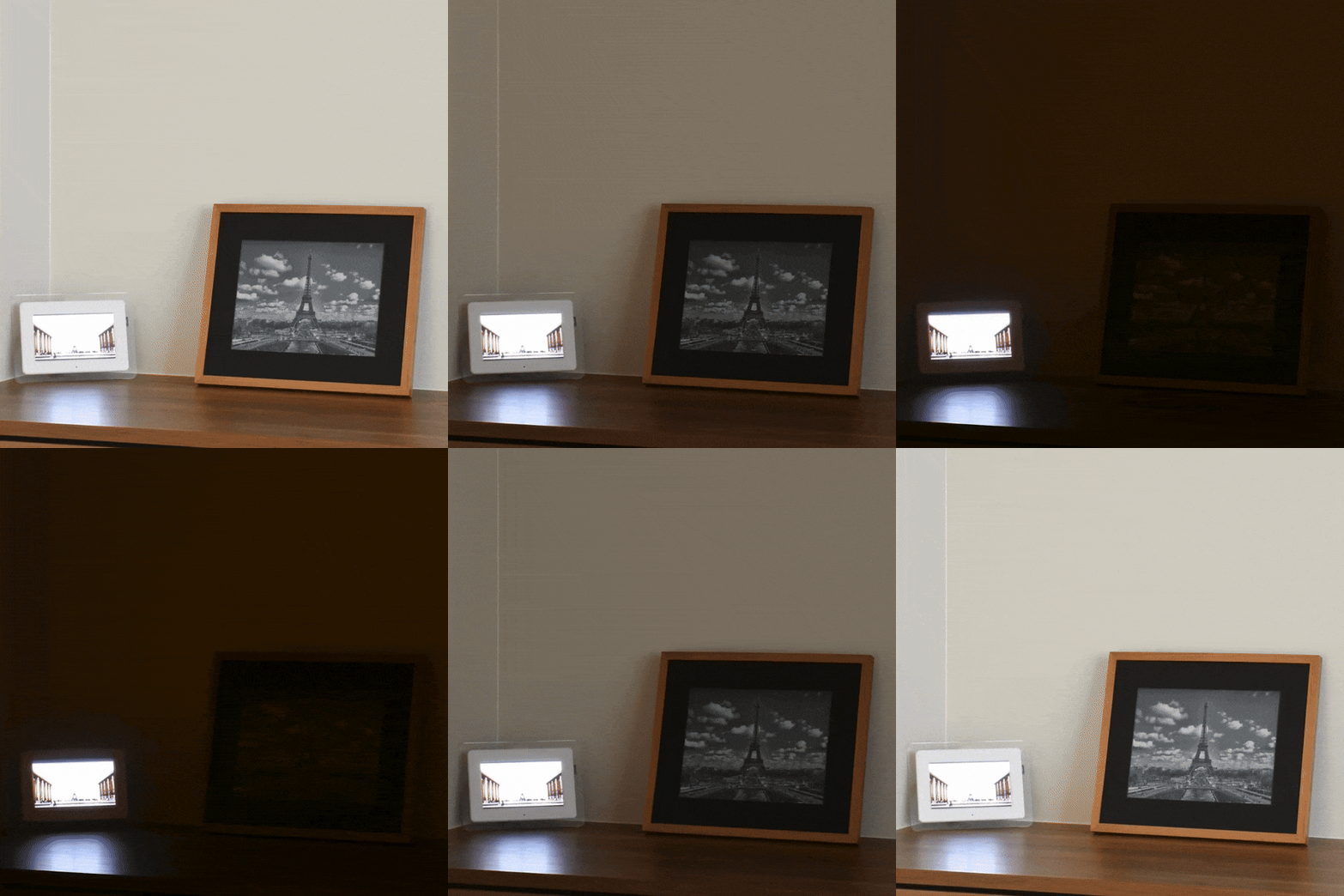
From an outside perspective, Galari and a LCD screen looked the same during the daytime- it was at night that their differences shone. Galari worked well as a shifting decorative piece from sunup to sundown, but unlike a screen, it wouldn't light up and disrupt your environment.
Therefore, contrasts were made through day-to-night time lapse comparisons!
VERSION ONE: THE APARTMENT TIME-LAPSE
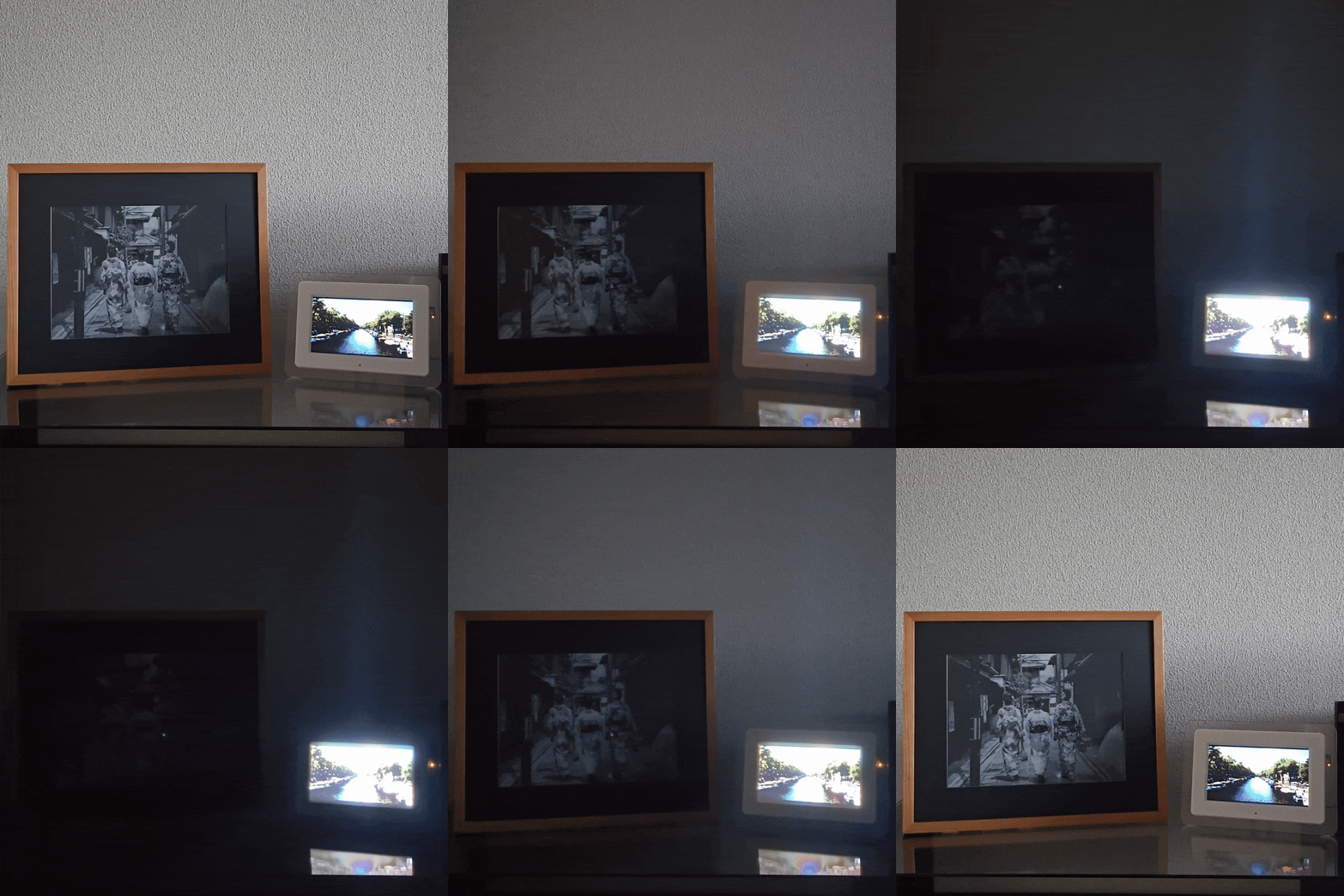
Just like with the hero banner, this time lapse was shot in my Kyoto apartment. It proved that our idea had ground and established a clear contrast, but we felt that the setup was a bit awkward and could be optimized further.
FINAL VERSION: SUSHI'S HOUSE
While taking pictures for the landing page, the team figured we could use our existing set-up, connecting the landing page setup with the environment for our time lapse.
Alongside the website refresh, the Galari team sought to bring traffic to the site with advertisements. Therefore, while I shot and uploaded new content for Galari's website, I also shot video content for Galari's first-ever ad campaign. I imported the footage into Premiere Pro to create three ads: this represented my first foray into ad creation and Premiere Pro!
The website refresh, combined with these ads, contributed to a significant uptick in VIPs and lead generation by ~10-15x.
Takeaways

Projects don’t always follow a traditional iterative process. My internship was only two months long; when making decisions, we prioritized realistic yet effective action items that we’d be able to complete and evaluate in a short period.

Not all products are intended equal. My goals at Galari weren't about conveying a wealth of information on Galari, or engineering eye-catching interactions. Goals were oriented around moving a visitor through the website funnel effectively and to boost email sign-ups.

There are more moving parts involved than you’d think. Shooting and uploading new site content brought this to my attention. Things like the file size on an image, or that extra half second on a time lapse clip can change user experience significantly.

Made with Webflow by Sophia Cheng — 2025 — All Rights Reserved